BeeBlu helps agencies organise, hand over and maintain client brands in one place. Give every client a live portal containing their latest guidelines, assets and brand information—instead of another PDF and folder of files.
Client handoff · live brand portals · multi-brand management · white labelling · AI-ready context
Agencies create thoughtful brand systems, but clients are often left with a PDF, a folder of assets and several links to manage. Files are lost, guidance becomes outdated and the agency is asked to resend the same information months later.
The agency loses visibility once the project ends, and the client struggles to use the brand correctly without asking for help.
BeeBlu gives the agency and client one shared, current place for the brand after the project has been delivered.
The same brand work. A completely different outcome once the project ends. One shared system, always current — for the agency and the client.
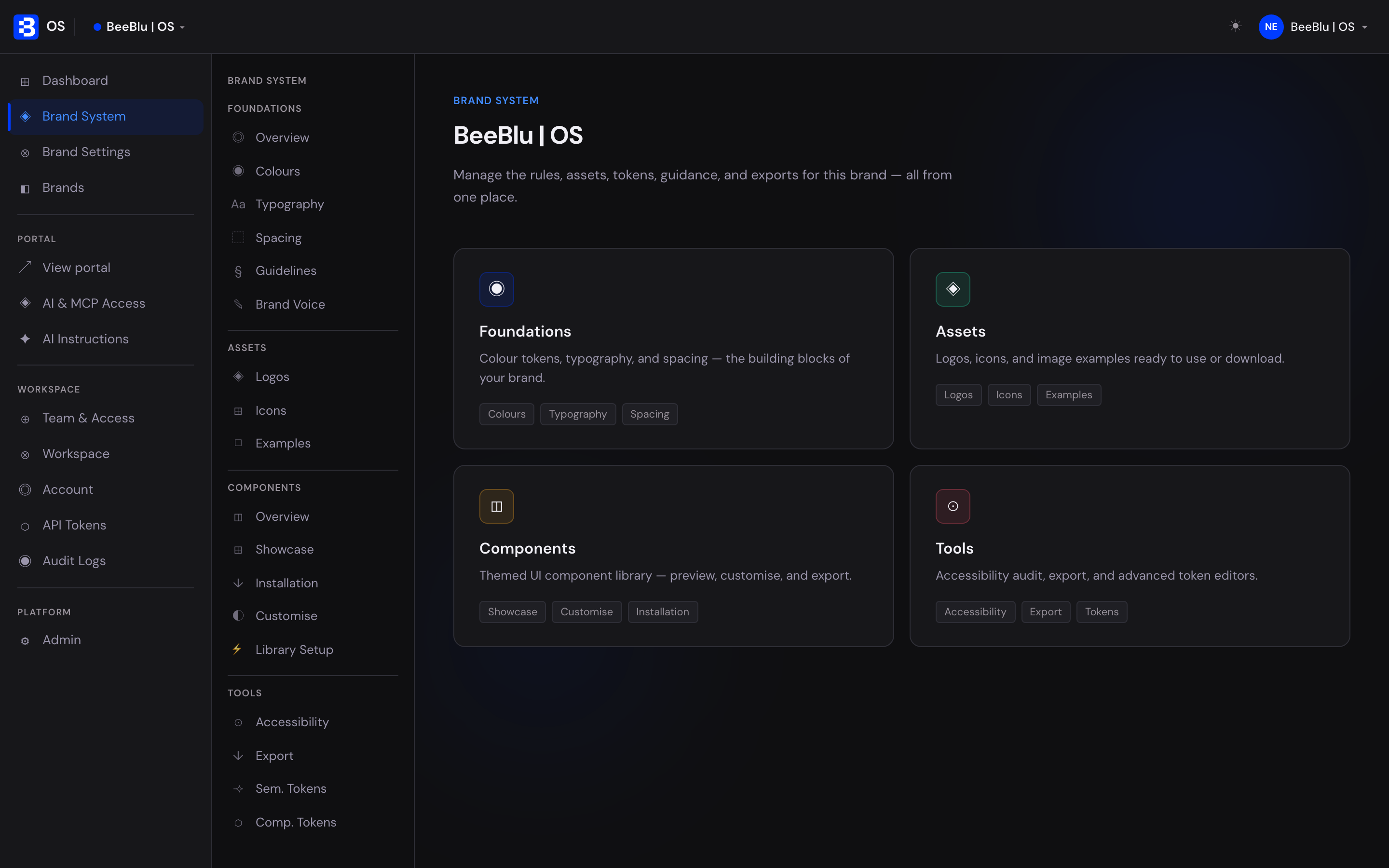
BeeBlu gives agencies one workspace for creating, organising and managing client brand systems. Publish a live portal for each client, update it when the brand evolves, and give the right guidance to everyone using the brand.
Create the foundations, organise the assets and publish a client-ready portal without rebuilding your existing design process.
Start with the foundations: colours, typography, spacing, logos, icons and guidance. BeeBlu turns them into a structured system your team, your client, developers and AI tools can use.
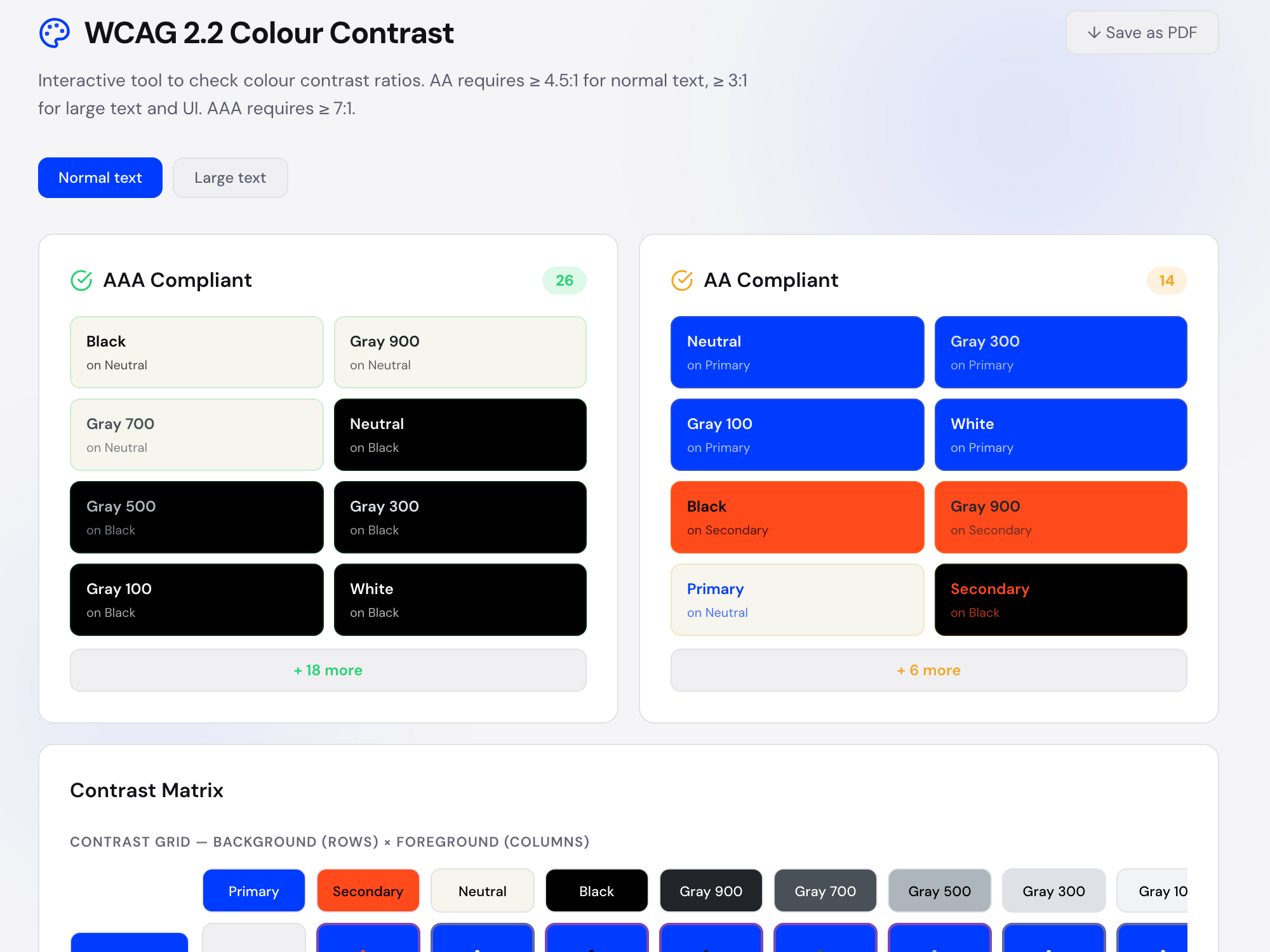
Build colour palettes with semantic roles, token names and WCAG contrast checks, so every client brand stays consistent and accessible wherever it's used.
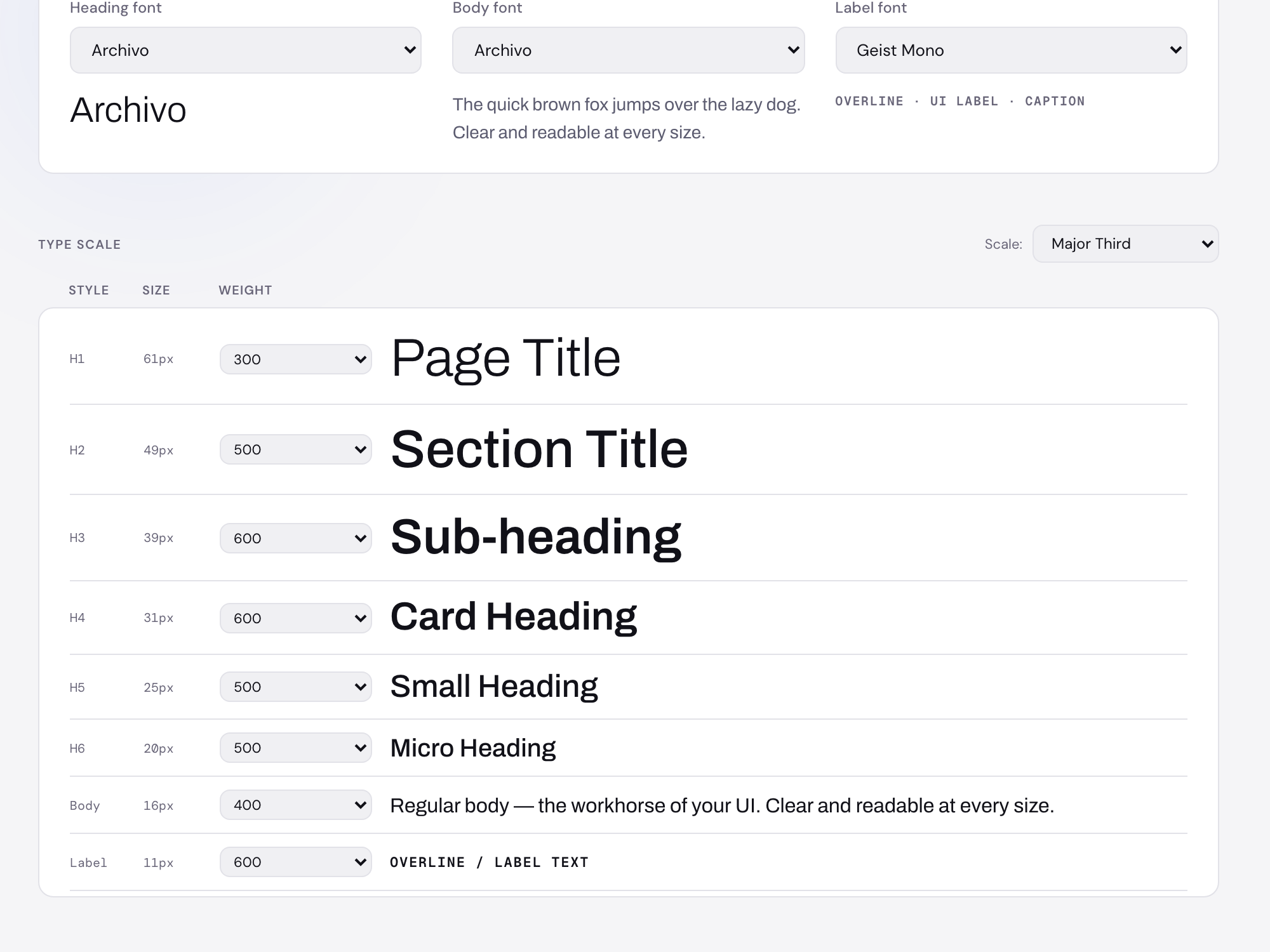
Generate a type scale with clear heading, body and UI styles, so a client's brand stays consistent across their website, app, campaigns and portal.
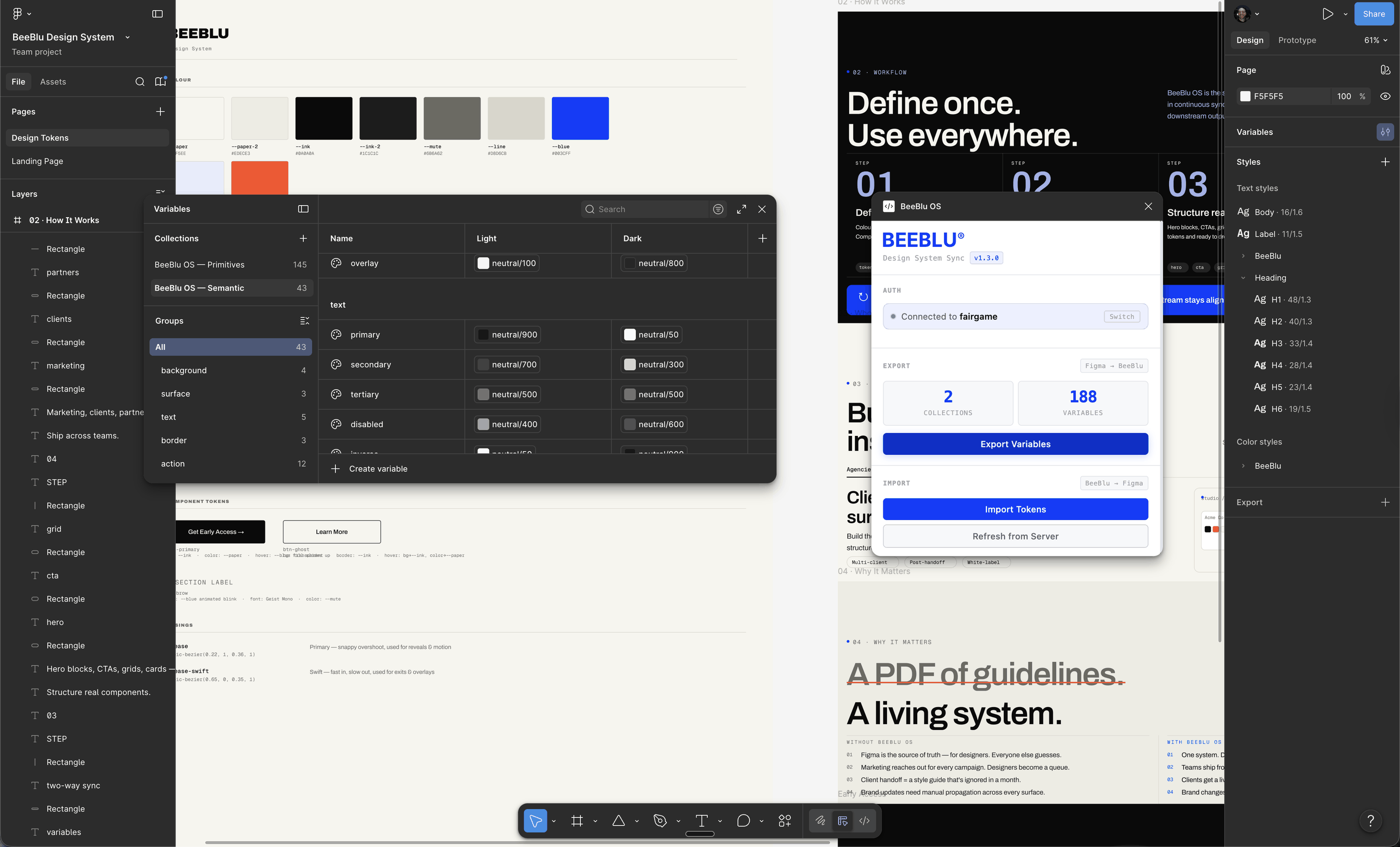
Use the BeeBlu Figma plugin to connect a client's brand foundations with your design workflow. Keep variables, styles and tokens aligned between BeeBlu and Figma instead of rebuilding the system for every project.
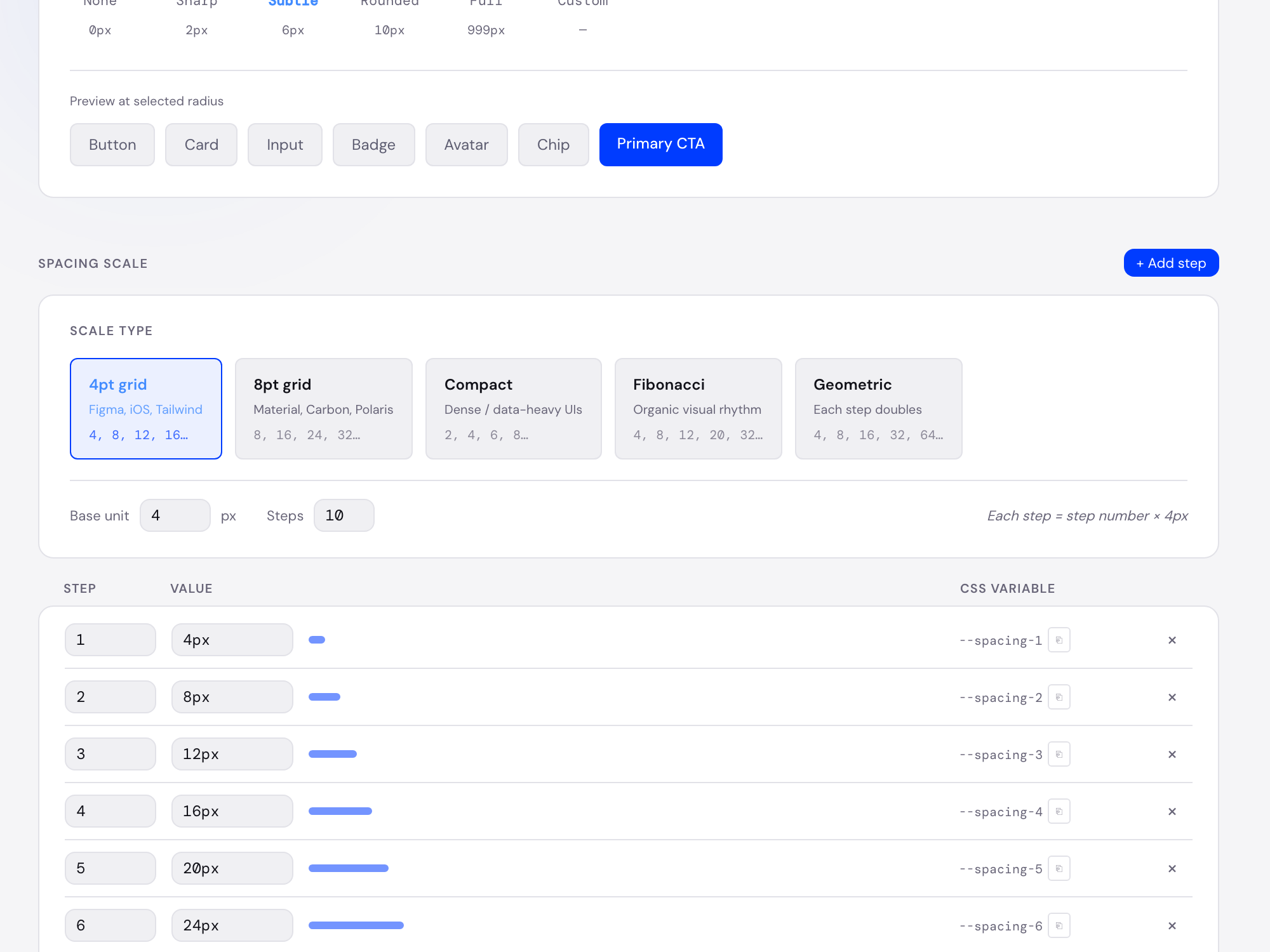
Create consistent layout rhythm, spacing scales and shape rules for every client's product and marketing surfaces.
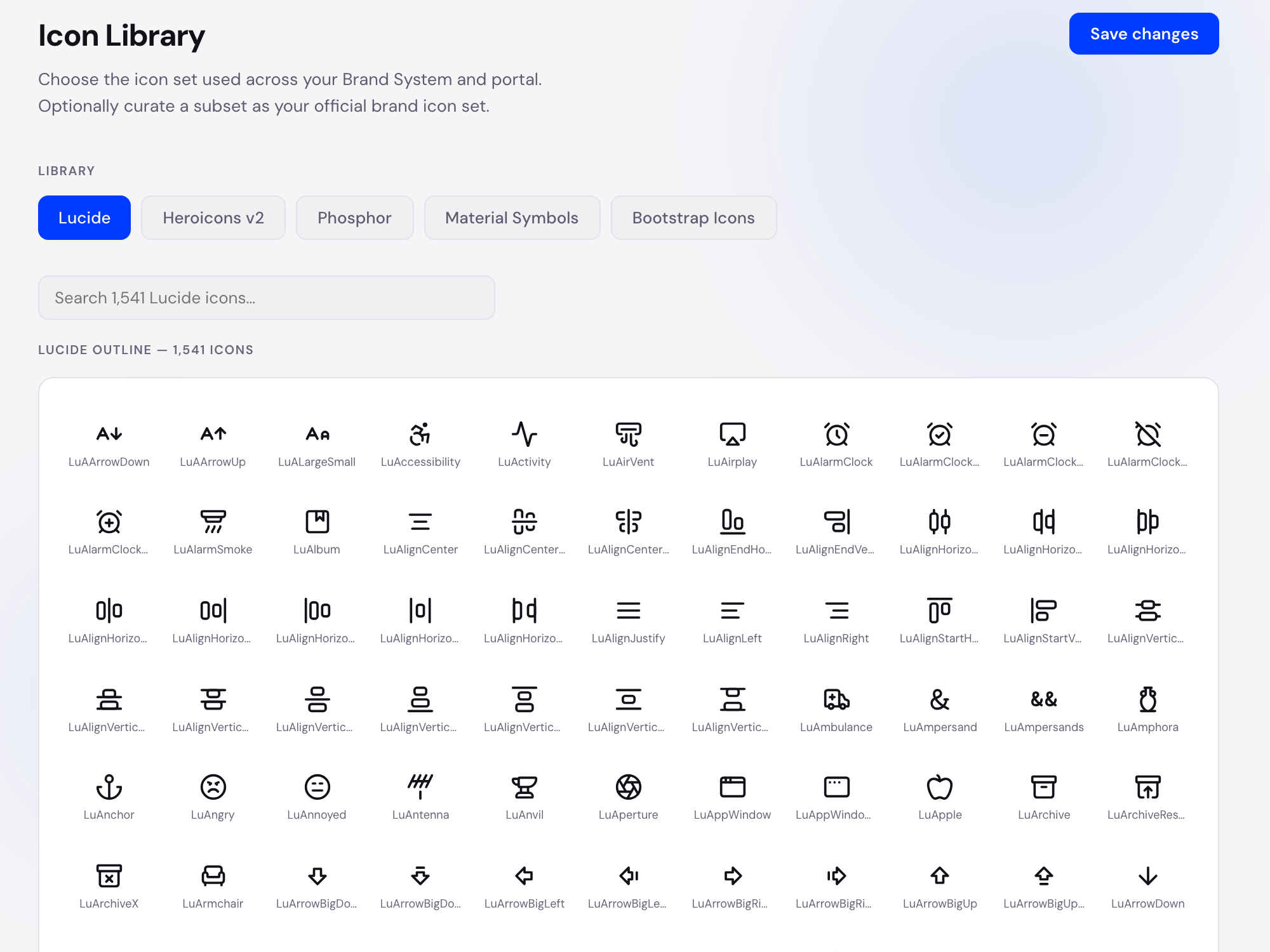
Organise each client's icons in one place with consistent names, sizing and usage guidance.
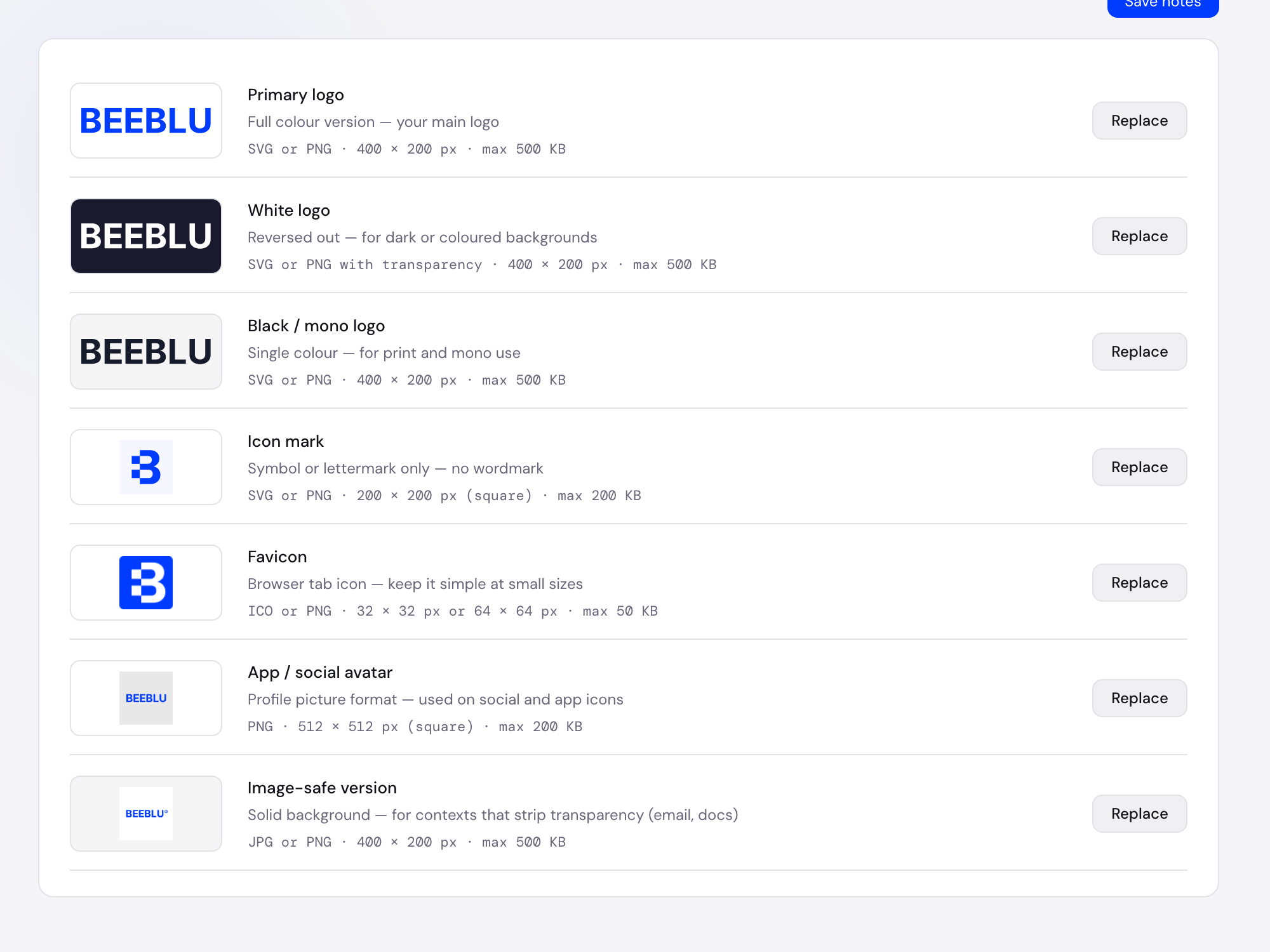
Store logo variants with light, dark and brand previews so your team and every client always use the right asset.
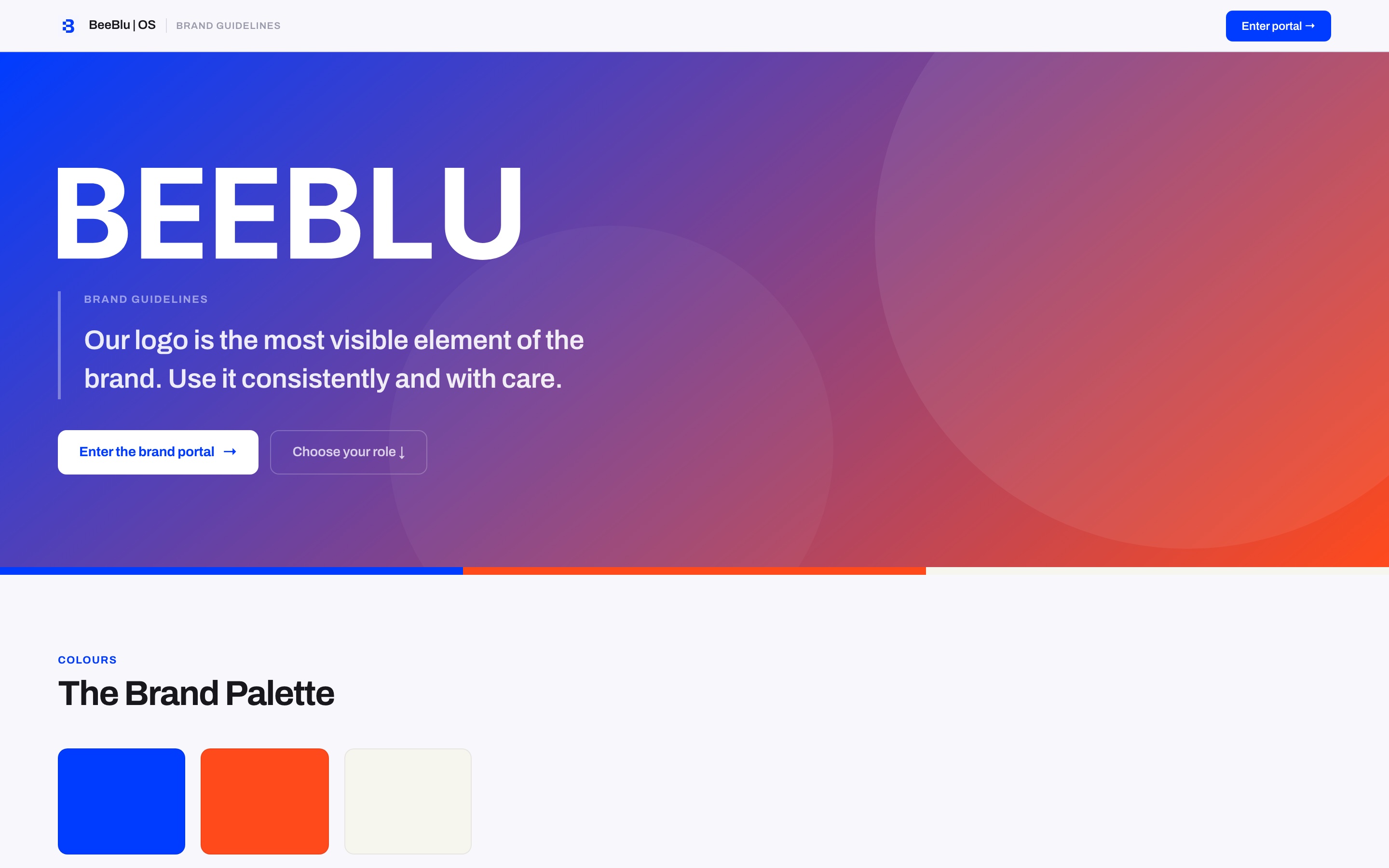
Turn a client's brand system into a live portal for their team, your agency and any developers or partners who need it. No more stale PDFs, scattered links or old asset folders.
Provide structured colours, typography, voice and usage guidance so approved AI tools can work from the same brand information as the client and agency.
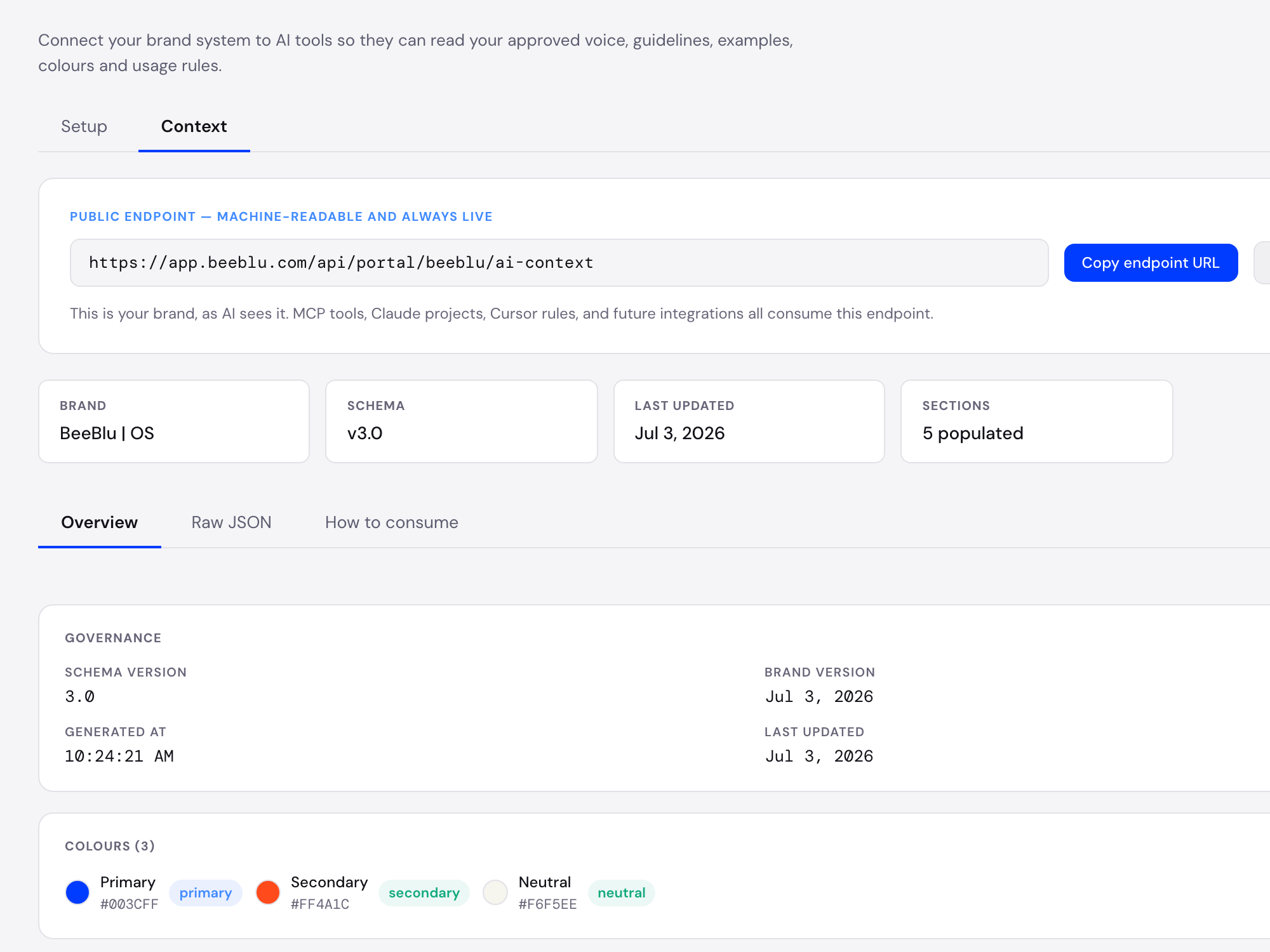
Give developers CSS, JSON and design-token exports based on the approved client brand system, reducing interpretation and repeated questions.
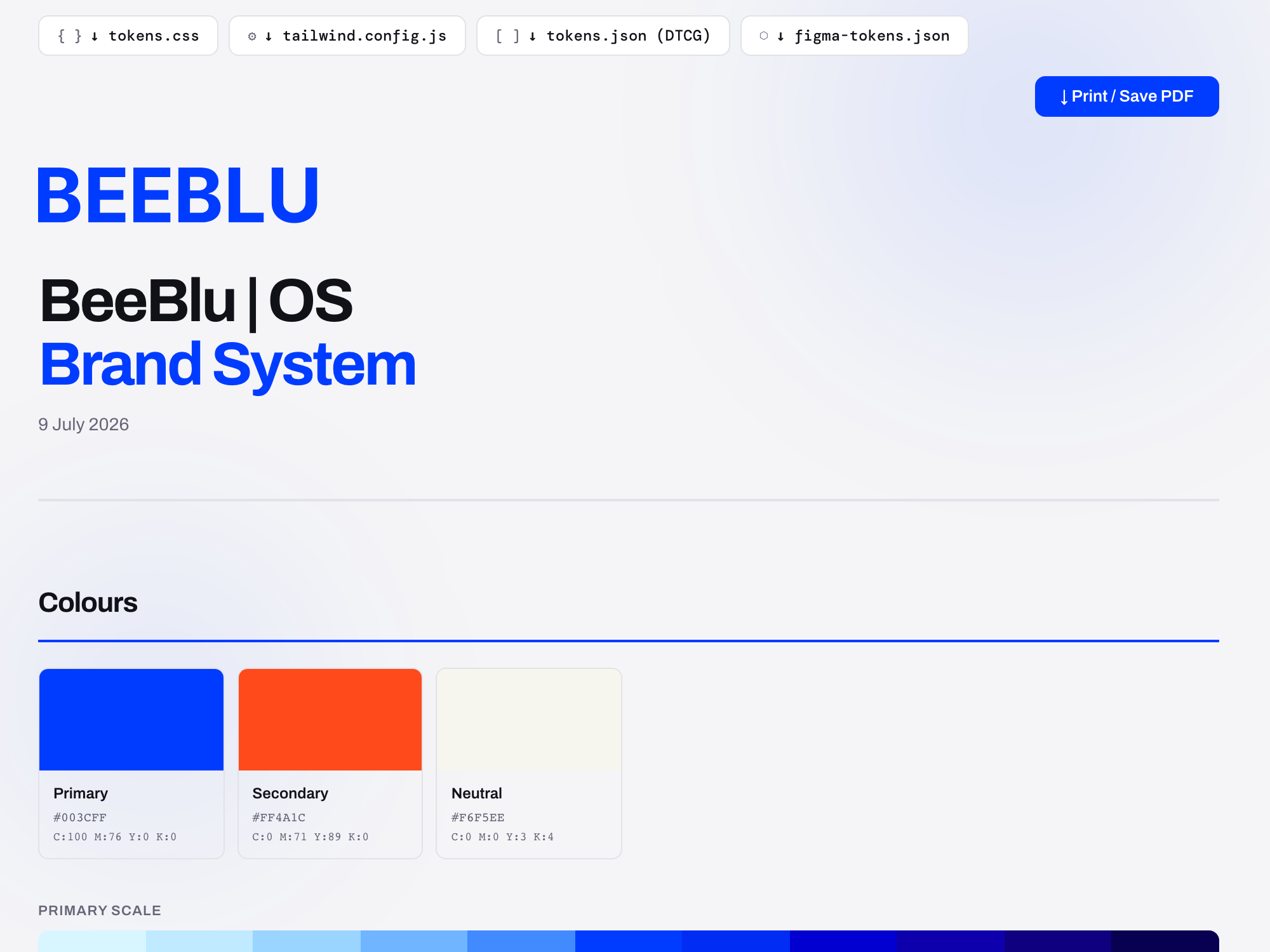
Explore a working BeeBlu portal showing how an agency can hand over guidelines, assets, implementation information and AI-ready brand context in one professional, accessible place.
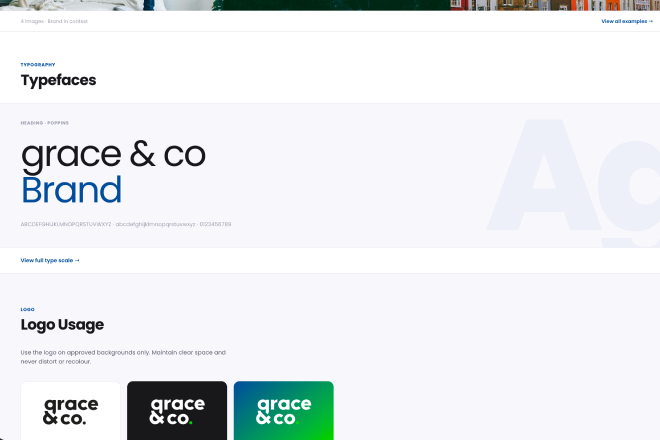
Give clients a clear portal they can return to whenever they need guidance or assets.
Provide designers, developers, marketing teams and AI tools with the formats and information they need.
Manage multiple client brands, permissions and updates from one agency workspace.
Integrations · Keep your existing workflows intact
Sync variables with Figma. Export tokens for development. Give AI tools reliable brand context for every client. No rebuilding your process.
Join the BeeBlu beta and test a better way to organise, deliver and maintain client brand systems.
You're only a few minutes away from giving your first client a living brand portal.
BeeBlu is currently in active beta. We are working directly with agencies to improve how client brands are handed over and maintained.
